
If the 'Welcome to the Portal' link has expired (it expires in 7 days), our support team or your provider can resend you a new link. Contacting our Support Team using any of the following methods:
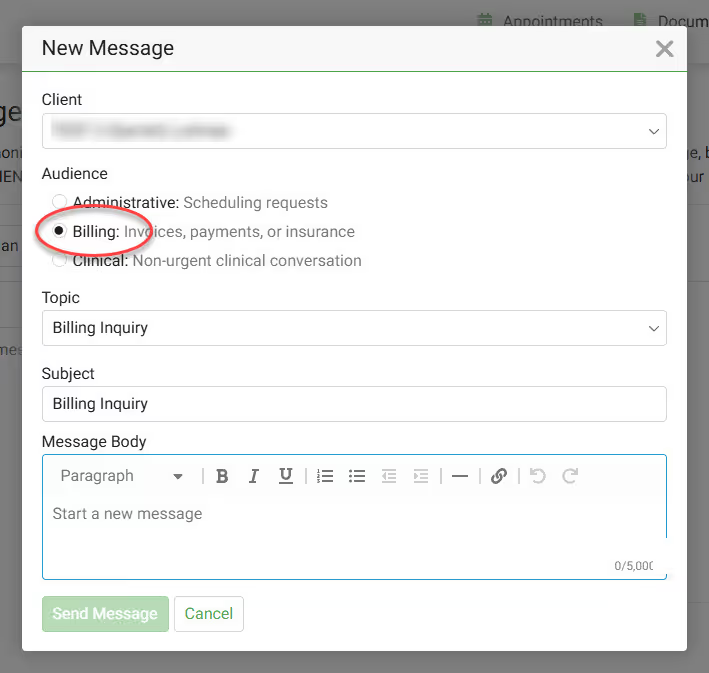
Yes, you can! In the Client Portal, you can send a message directly to your provider. Send them messages about:
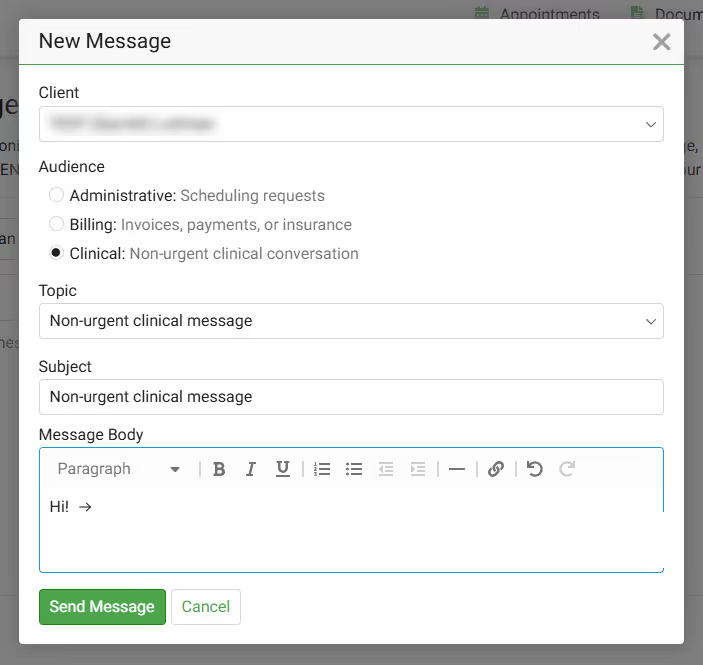
If you are unable to access the Client Portal, you can also send a message directly to your provider here.
To request a copy of your mental health records, please complete this Records Request form.
Contact our Billing team and they'll send you a insurance waiver.
How to contact our Billing team:
If you have records (i.e. Medical Records) that you want to send to your provider at Overcomers, you can email them at support@overcomewithus.com. You may also visit the Client Portal, click the Documents tab and then click Upload Document.
Prior authorization comes from your insurance to verify and/or modify the prescription request sent in by your provider. The process to complete the prior authorization request can take 2-3 days.
