
You can locate documents Overcomers' has sent you for e-sign in the Client Portal. Pending documents are shown on your homepage as well as the Documents page.
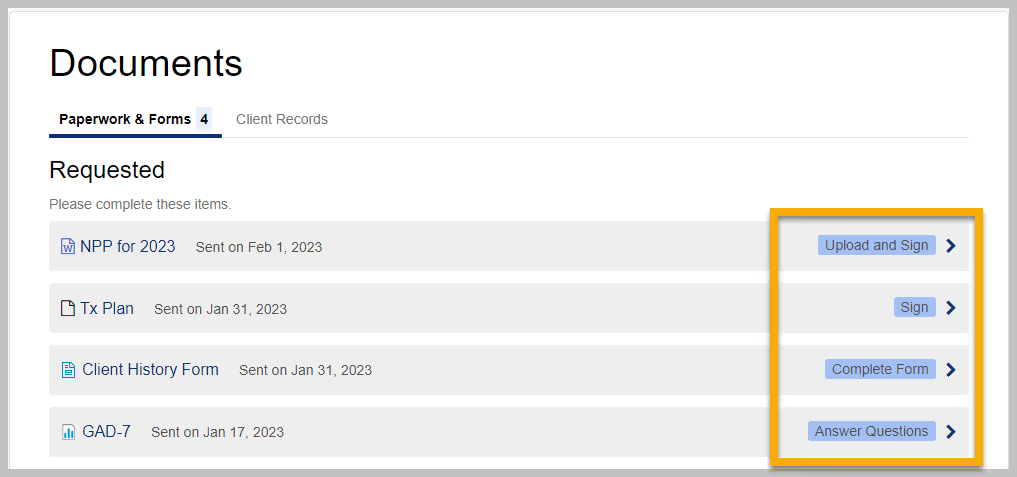
You can locate documents Overcomers' has sent you for e-sign in the Client Portal. Pending documents are shown on your homepage as well as the Documents page.
Usually, your prescription is sent to the pharmacy by the end of your session or the end of the day. Please wait for your pharmacy to contact you and let you know when your script is ready for pickup.
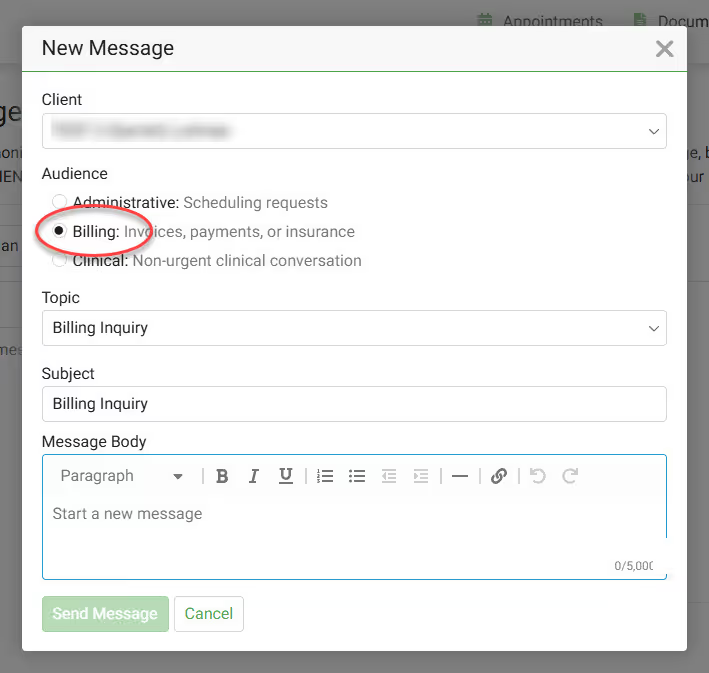
Contact our Billing team and they'll send you a insurance waiver.
How to contact our Billing team:
If you have records (i.e. Medical Records) that you want to send to your provider at Overcomers, you can email them at support@overcomewithus.com. You may also visit the Client Portal, click the Documents tab and then click Upload Document.
Need an Rx Refill? Log into the Client Portal to notify your nurse practicioner that you need a refill.
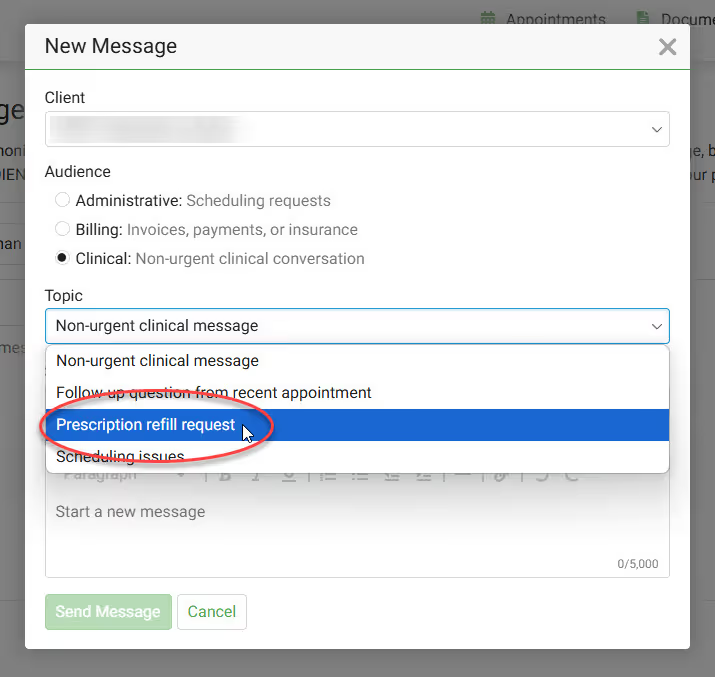
Refills of controlled substances will most often require a session with your provider. You can continue to complete the request; however, after completing the request, you can proactively take the next step and book a follow-up session with your provider.
Common controlled substances:
