
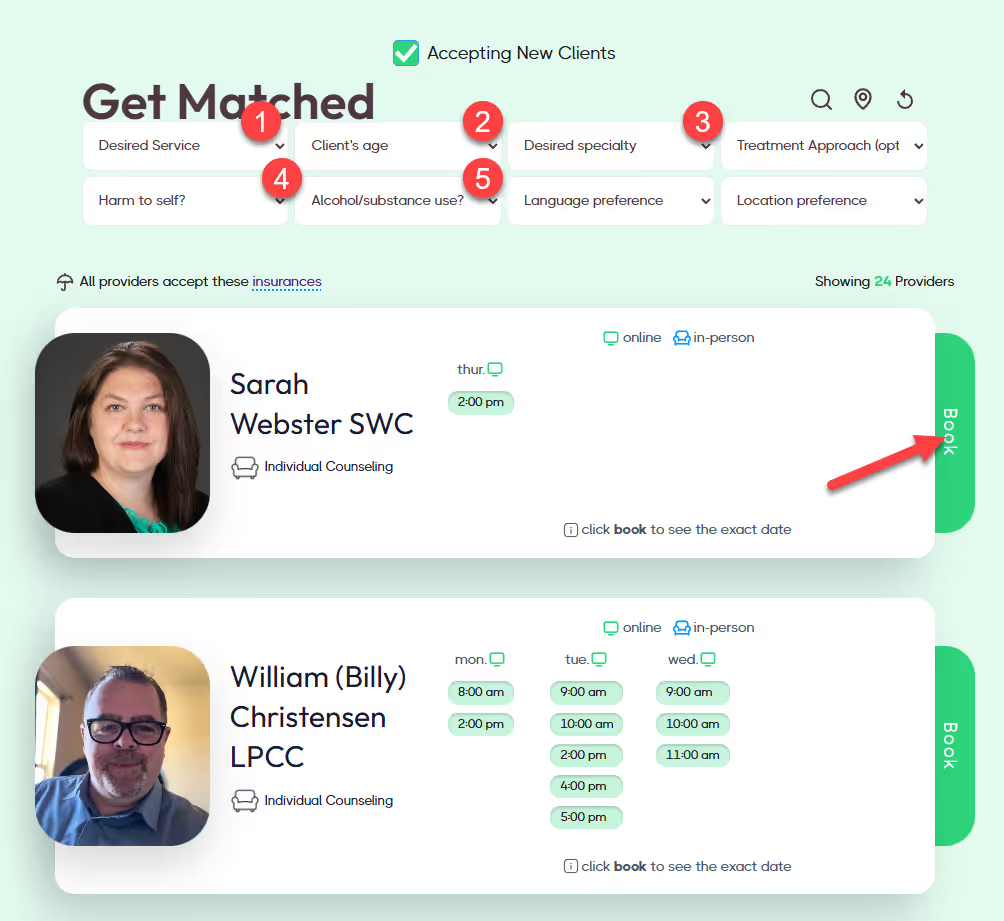
If you are new to Overcomers (never booked a session) you can schedule your first appointment on our Directory!
This simple process helps you find the right therapist in Aurora based on your needs, preferences, and availability.
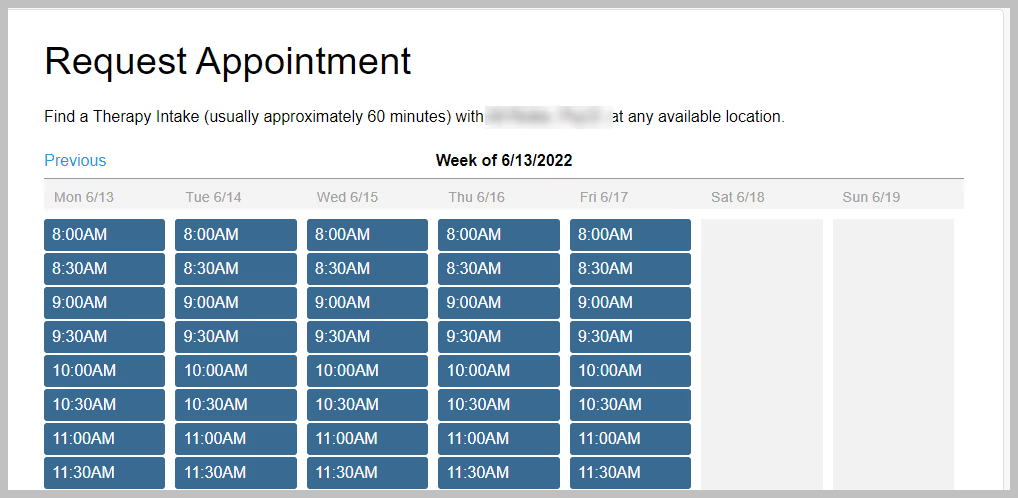
If you are an existing client with access to the Client Portal already, and would like to schedule another session with your provider, follow these steps:
Continuing therapy sessions consistently can be an important part of maintaining progress and strengthening your mental health.

We have multiple offices in:
View more details about these locations here.
If you are new to Overcomers (never booked a session) you can schedule your first appointment on our Directory!
This simple process helps you find the right therapist in Aurora based on your needs, preferences, and availability.
If you are an existing client with access to the Client Portal already, and would like to schedule another session with your provider, follow these steps:
Continuing therapy sessions consistently can be an important part of maintaining progress and strengthening your mental health.
As an existing client, you have access to the Client Portal where you can manage all your appointments! To cancel an appointment, follow these steps:
When canceling and rescheduling appointments, please be mindful of our cancellation policy as you may be charged cancellation fees. Our cancellation policy states $110 will be charged if the appointment is canceled less than 24 hours in advance. If you can't make it to your in-person session, you can do a telehealth (over video) session. Please reach out to your therapist to switch from in-person to telehealth via Messages in the Client Portal.
If you do not have access to the Client Portal, you may complete this form to cancel your appointment.
The first step towards finding the right counselor is what we call 'Getting Matched.' Our Get Matched form will evaluate your needs and display a matching counselor or nurse practitioner that fits your needs. Answering these questions will help you narrow down your search to a few counselors who align with your needs.
Yes absolutely! You'll receive email and text reminders about your upcoming sessions.
