Using PDMP Easy Access
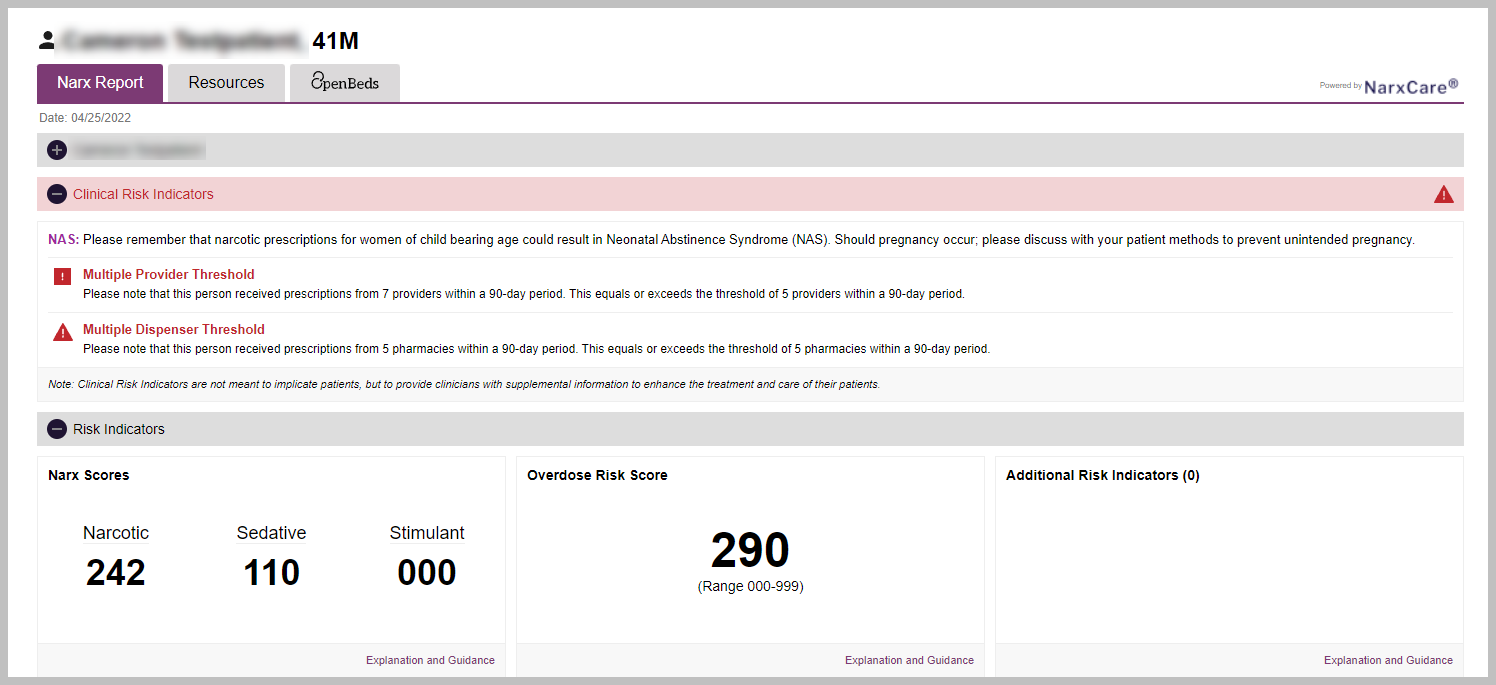
With PDMP Easy Access enabled for the practice, a request for a patient’s PDMP history is automatically generated when an EPCS-enabled prescriber visits the patient's eRx page. A graphic summary of the patient’s Narx Scores will appear below the Patient Demographics Panel and Coverage Details Panel.

The Narx Scores panel shows a summary of the patient’s scores for Narcotics, Stimulants, Sedatives, and Overdose.

In the upper right corner of the Narx Scores panel, you can click buttons to view:
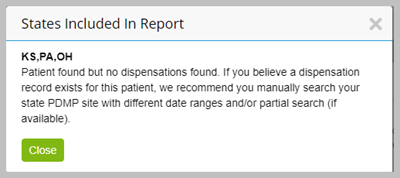
States Included: See all states included in the summary.
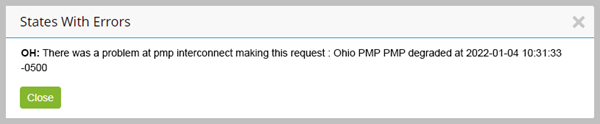
Error Messages: View error messages from the states included.
View Report: See a full report, if one is available, in a new tab