Understanding your TN Calendar vs. Directory Calendar
Clinicians have two calendars that do NOT connect/sync with one another. The simplest way to define these calendars is:
- TN Calendar is used for your existing clients.
- Directory Calendar is used to book new client Intake Consults.
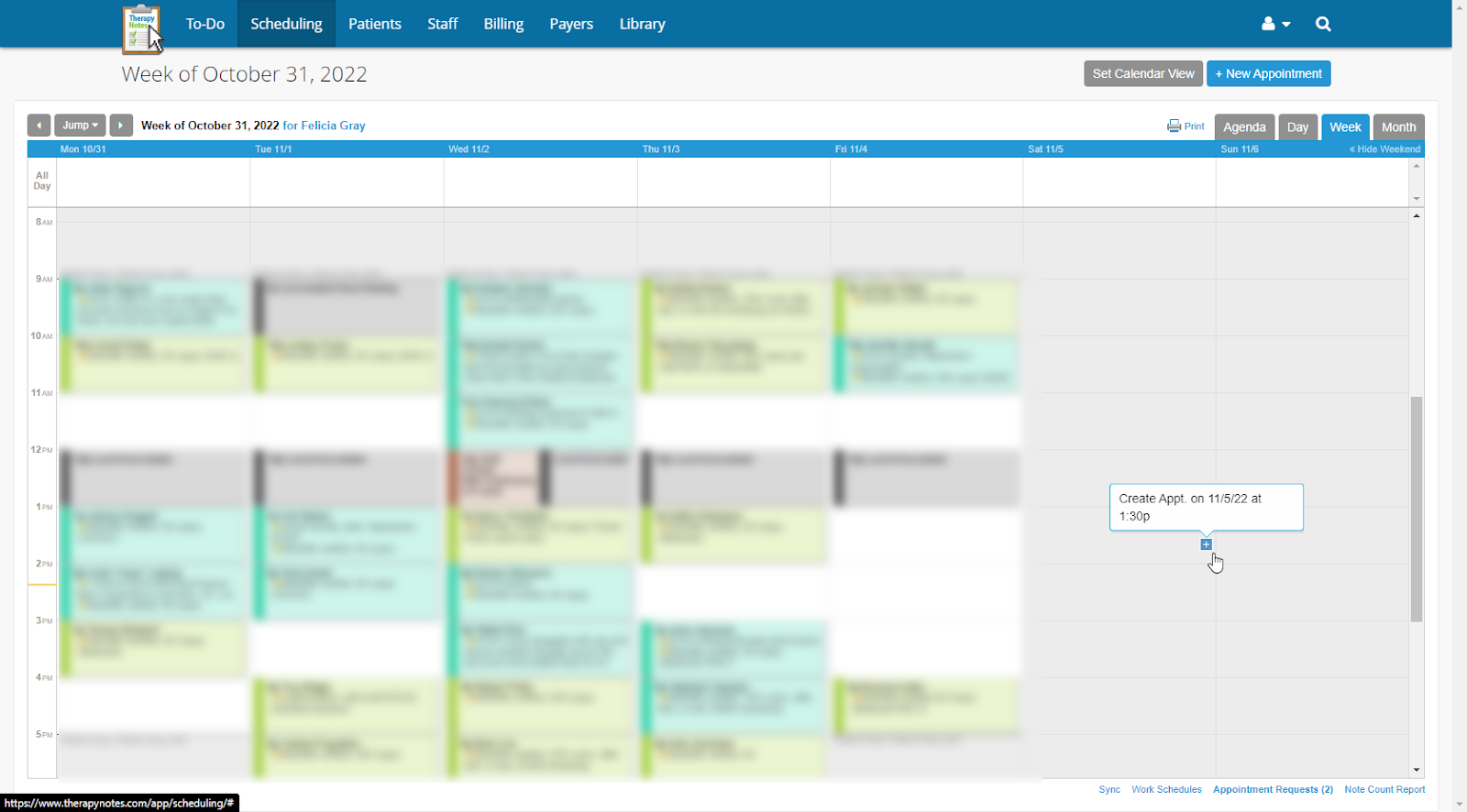
The TN Calendar
- All your existing client sessions are scheduled here.
- Intake Consults are scheduled on the TN Calendar AFTER they are scheduled on the Directory and the Scheduling team verifies insurance, and the client completes the Intake Packet.
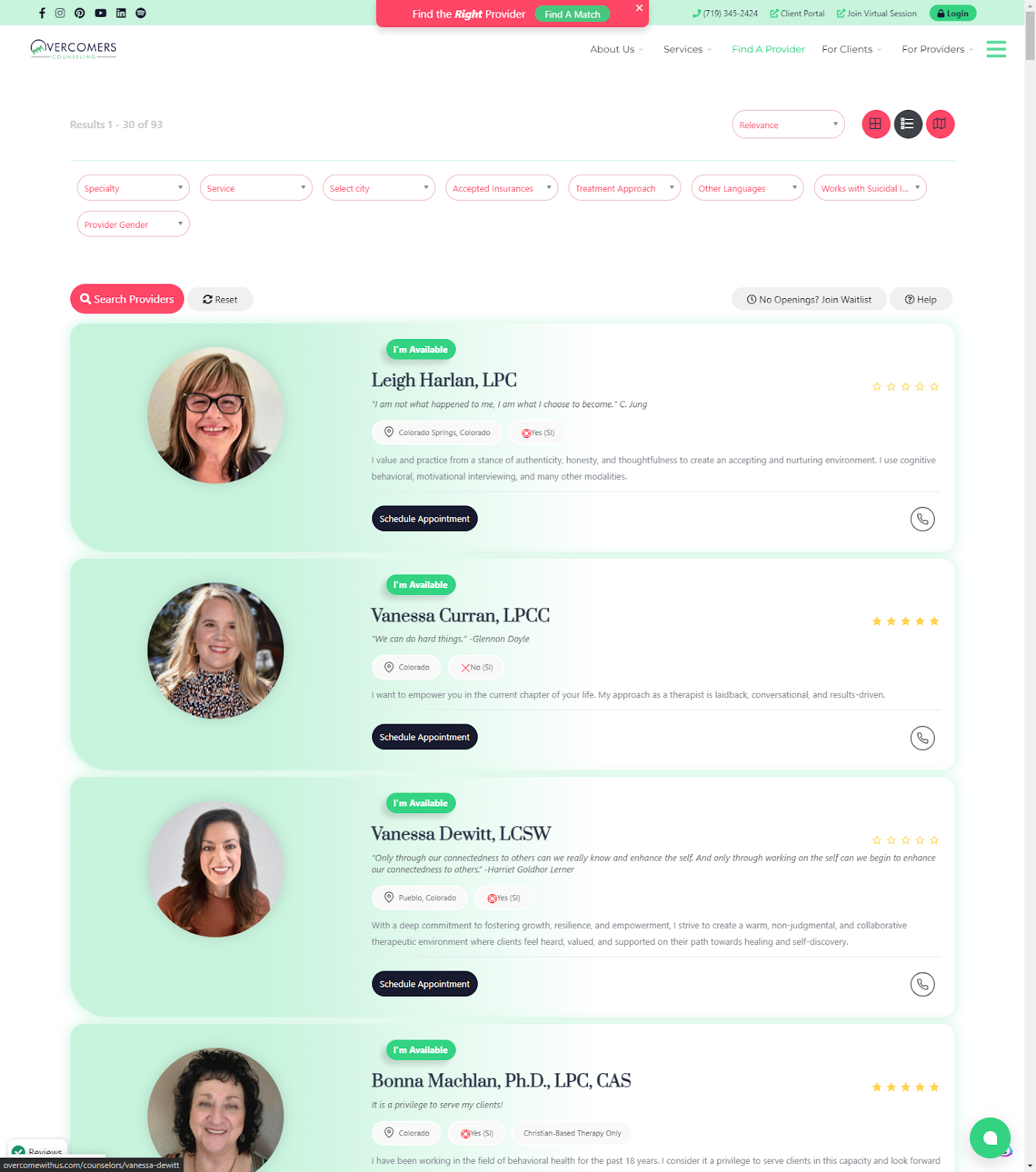
The Directory Calendar
Found here: https://overcomewithus.com/counselors. This is where a NEW client books an Intake Consults. Clinicians cannot access the Directory Calendar; the Scheduling Team updates it for you.
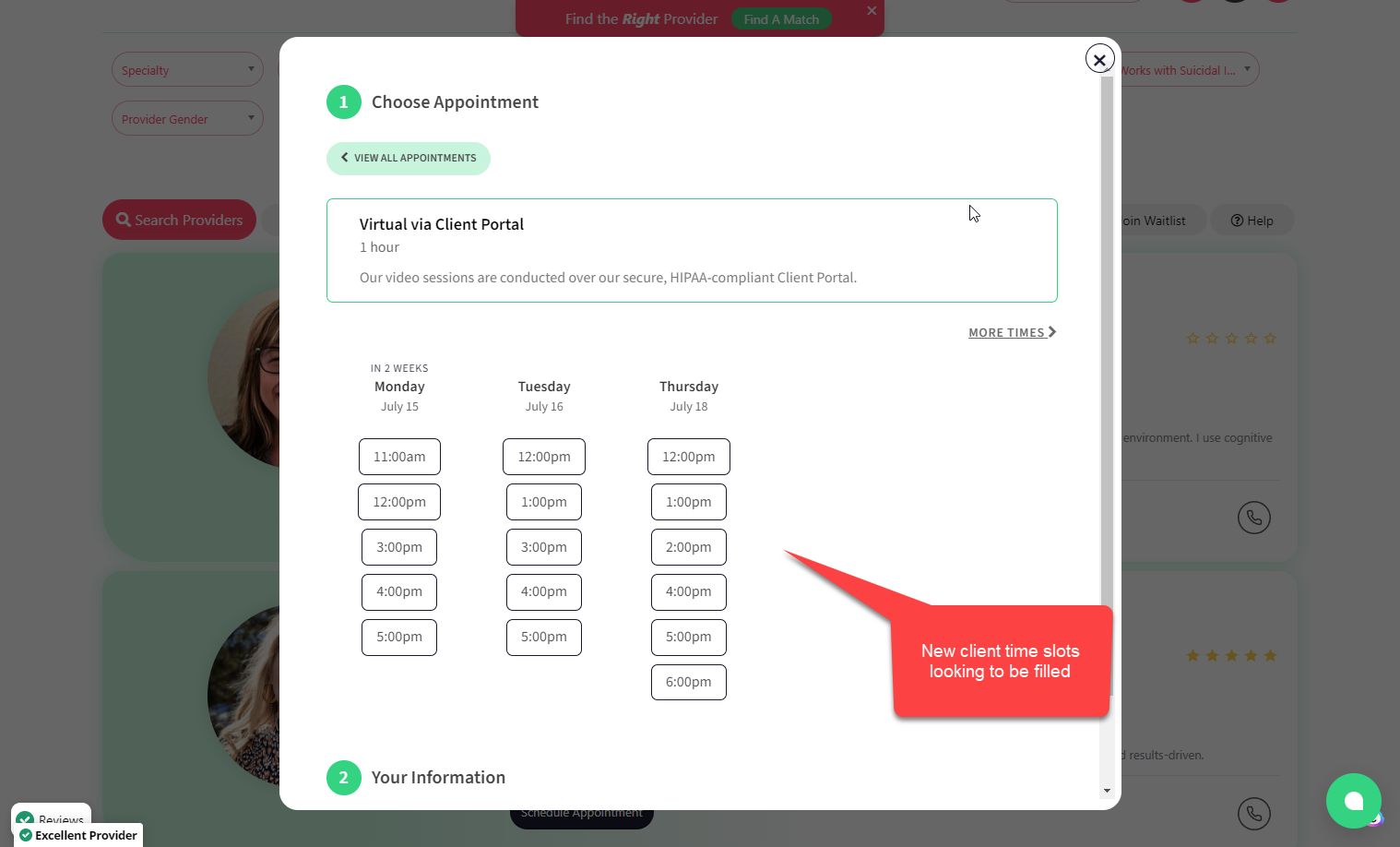
How to appear ‘available’ on the Directory
To learn how to request new clients and show up on the Directory, follow the steps in this document: Request New Clients. Review this doc to understand the complete booking process: New Client Booking Process.