TherapyNotes EHR
TherapyNotes (TN) is our trusted electronic health record (EHR) system tailored specifically for mental health professionals. It offers essential features such as scheduling, documentation, billing, and telehealth to streamline daily tasks. To ensure organization and compliance, all client files and communications must be securely stored within TN.
How Overcomers uses TN:
- Client Scheduling
- Telehealth is built-in
- All client documentation (psychotherapy notes, letters, etc.)
- Client communication via TN Messaging
- E-sign via the Portal
- Client billing (CC processing, insurance billing, etc.)
TN Practice Code
When first logging in, or when logging from a new browser, you'll be asked for our practice code, which is: Overcomerscounseling (all one word, not case-sensitive).
2FA for TN
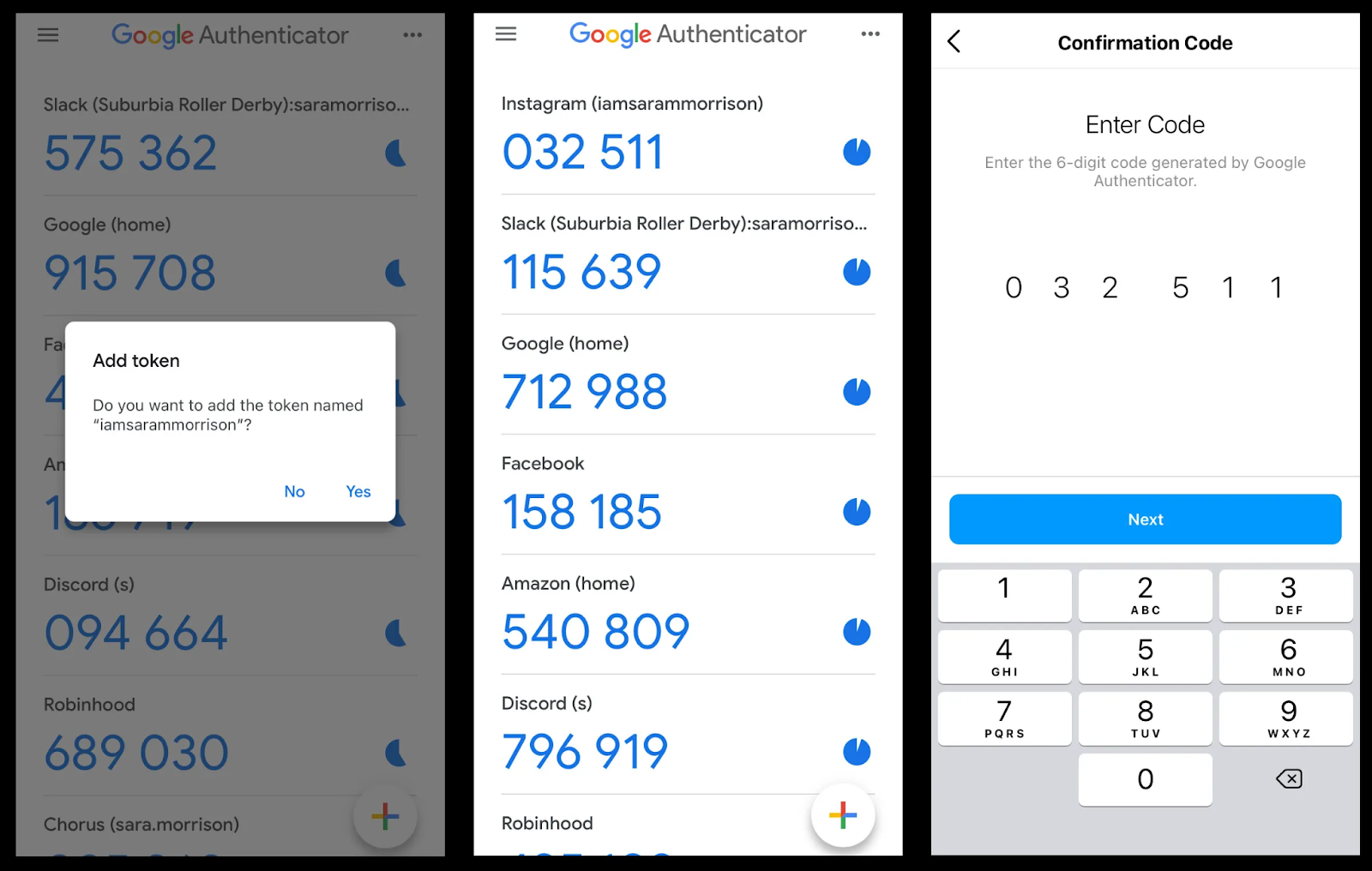
When you initially log in to TN, you’ll be prompted to scan a QR code. Scan the QR code with the Google Authenticator app, which you’ll need to download from the app stores. Once downloaded, hit the “+” button to set up a new account/scan and follow the prompts. If you get a new phone, follow the steps above again. However, reach out to Garrett Luttman to reset your 2FA in TN.
“I need a ‘code’ because I can’t log into TN.”
- Every 30 days, or when you clear your browser's cache or access TN from a different browser/computer, you’ll be asked to enter a 6-digit code. This security protocol checks if it’s actually you by verifying your identity in two ways (2FA): first, by your password, and second, by a code inside your Google Authenticator app.
- Go to your Google Authenticator app and input the 6-digit code under your TN account. The code refreshes every 60 seconds.