The Client's Booking Process
Most new client bookings start on the Directory. Below is the usual workflow process when a new client is booked.
Client Booking Workflow
- The client (or Support Team) visits the Directory to view available providers.
- The filters are used to find a matching provider.
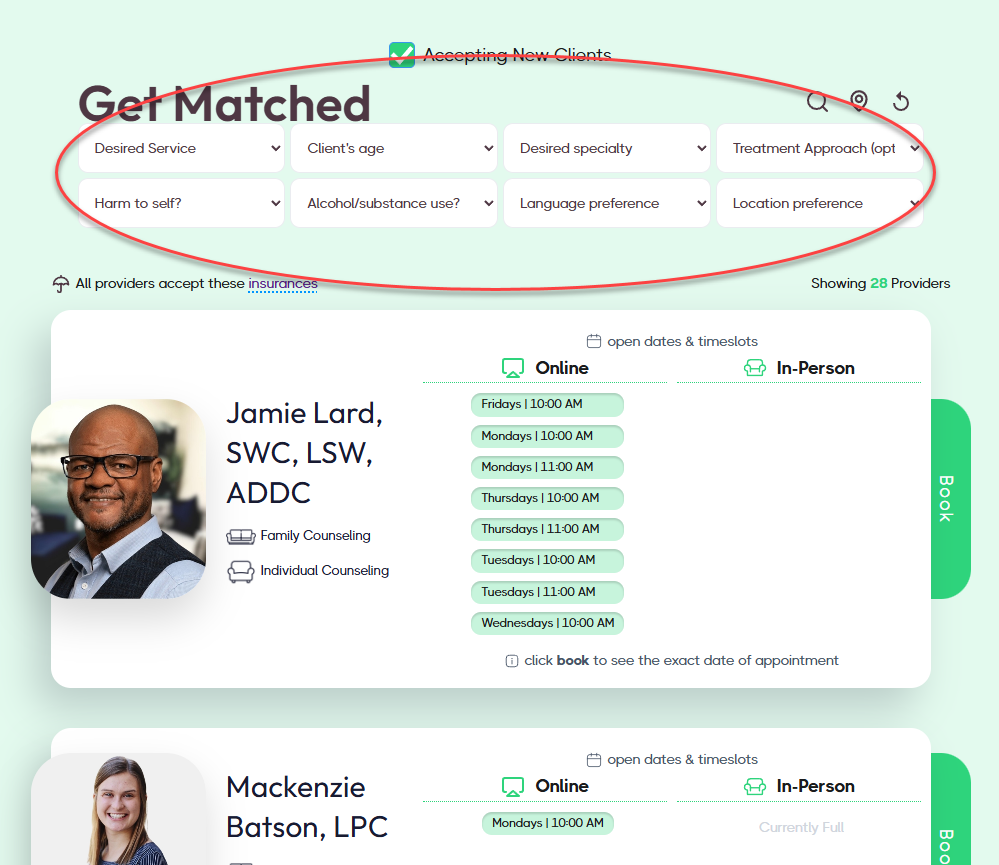
- They click the Book a session button to view openings and book an intake appointment.
- They complete the ‘Intake Booking & Packet’. Only after they click Submit will the booking be confirmed; partial saves do not remove the timeslot. The client will receive an email and an SMS reminder to complete the Intake Packet.
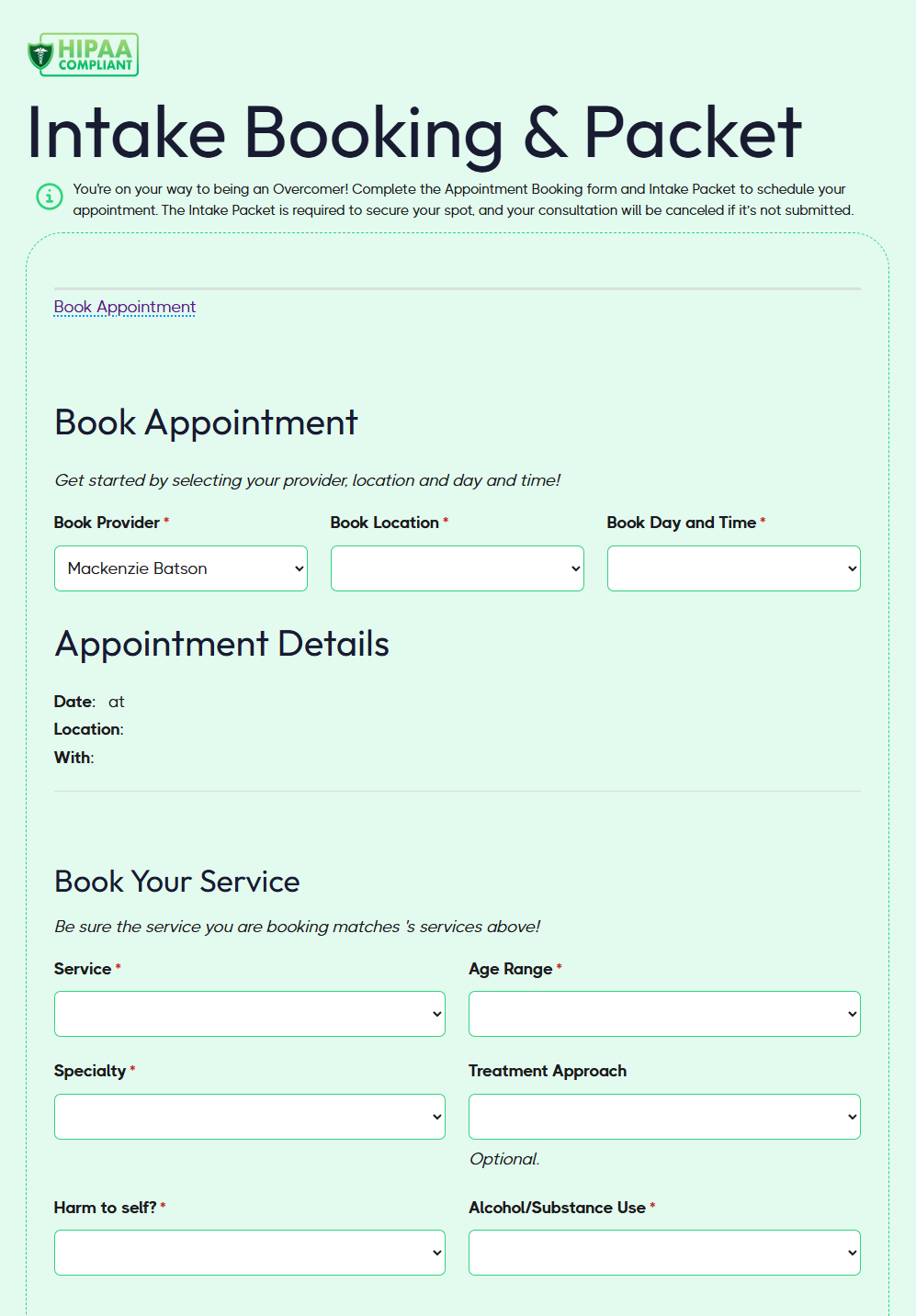
- If the Intake Packet (Example Intake Packet.pdf) is not completed within 4-5 contact attempts, then the Scheduling Team will cancel the appointment request.
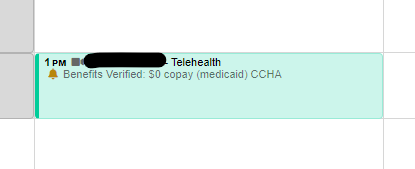
- If the Intake Packet is completed, the Scheduling Team reviews it, verifies benefits, adds the information in TN and schedules the Intake appointment.
- This is now a confirmed appointment for the clinician!
- This is now a confirmed appointment for the clinician!
See this doc for the next steps that walk the clinician on what to do during the Intake: During the Intake Appointment.