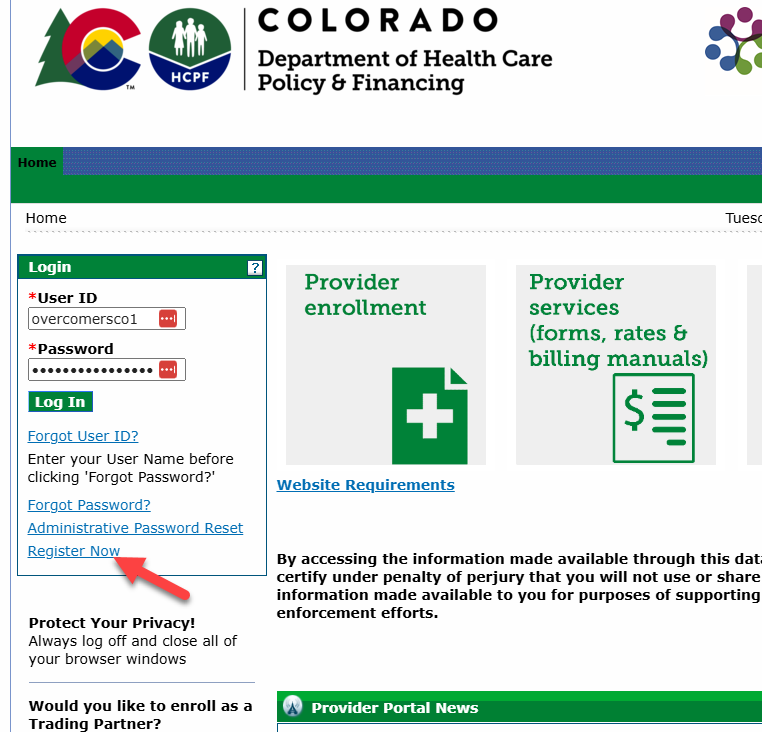
Enter the NPI and the location zip code. This information can be found in the Medicaid CO enrollment in Medallion.
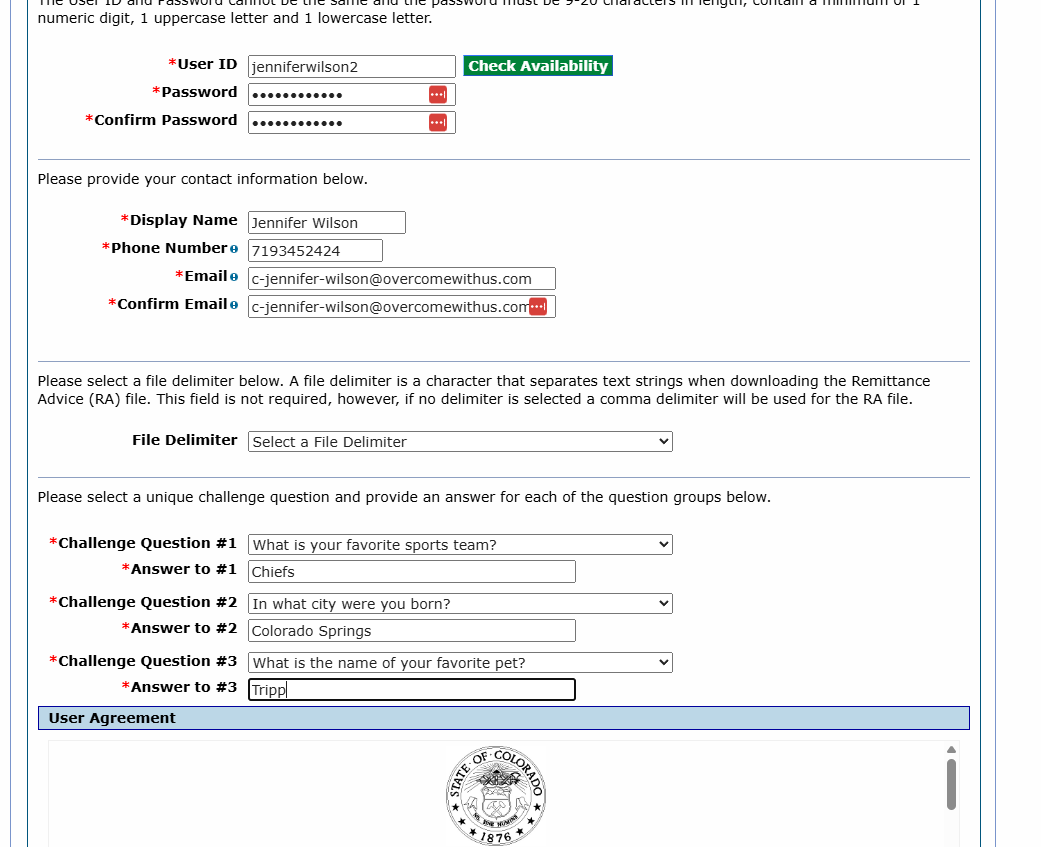
Create user ID. Example: jenniferwilson1
Create Password. Example: Overcomers1!
Be sure to remember the username and password, as you'll need to enter them in Medallion.
Add Display name
Add phone number. Use office number: 7193452424
Add the provider's credentialing email: c-{firstname}-{lastname}@overcomewithus.com. (e.g. c-jennifer-wilson@overcomewithus.com). Any email that contains "c-...@overcomewithus.com" will be forwarded to the Credentialing email.
Challenge Questions:
Favorite Sports Team = Chiefs
City born = Colorado Springs
Favorite Pet = Tripp
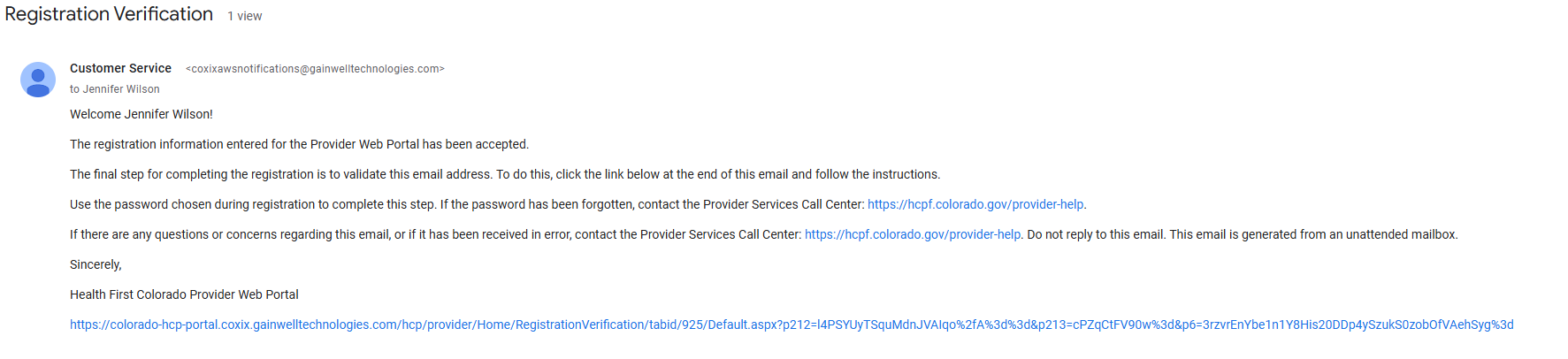
Sign and submit registration, and wait for the registration email that will go to the Credentialing email.
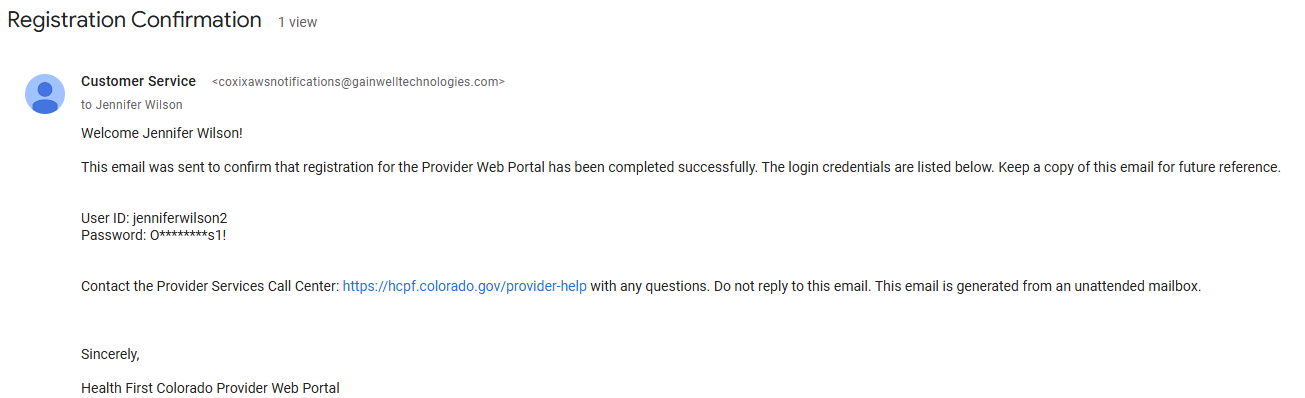
Click the link in the Registration email to confirm and you'll receive a Confirmation email.
Add the login credentials to our EHR as an External Account.