Create an Overcomers' Chrome Profile
Applications
Creating an Overcomers' Chrome Profile will keep your personal and business Chrome bookmarks separate and allow you to access our documents without a 'denied access' notice.
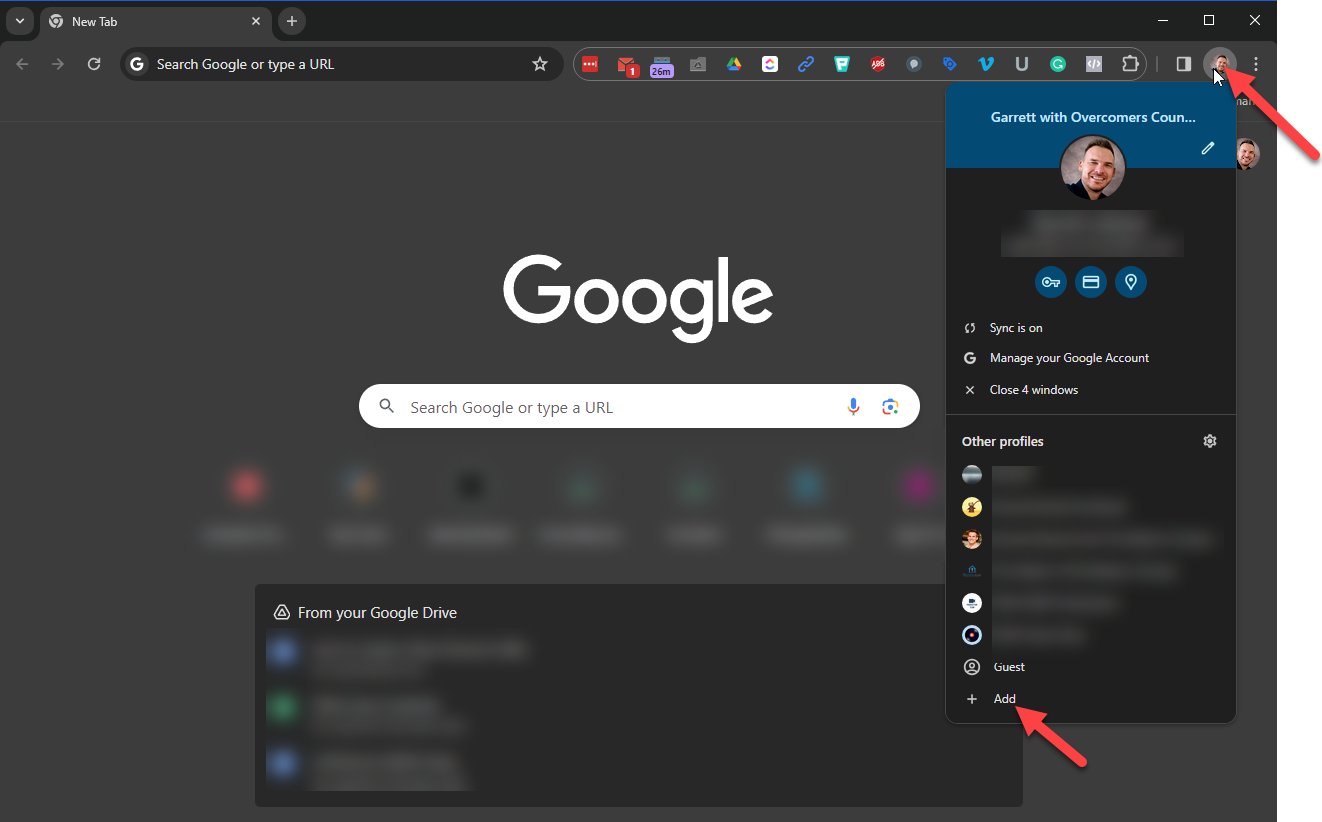
- Click 'Add' to create another profile
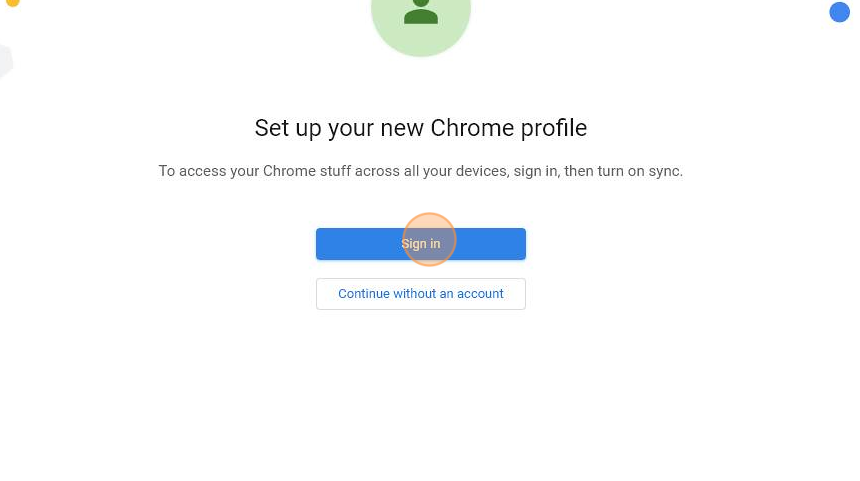
- Click "Sign In"
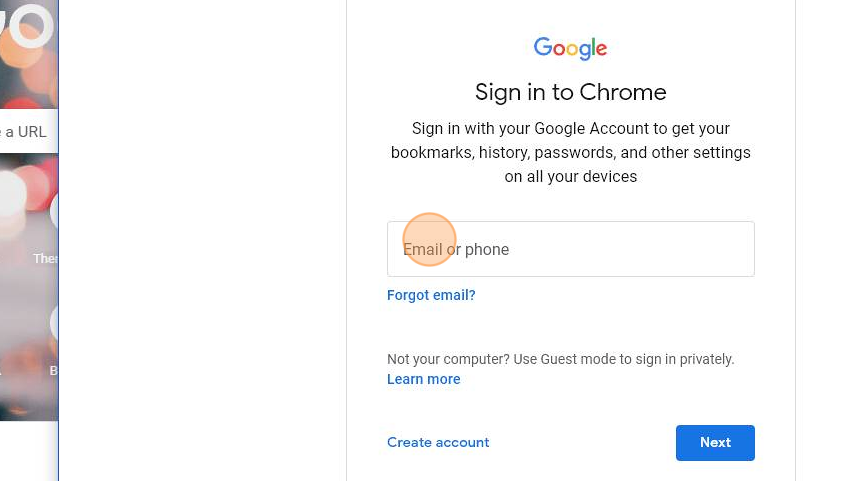
- Enter your Overcomers' Email: {firstname}.{lastname}@overcomewithus.com
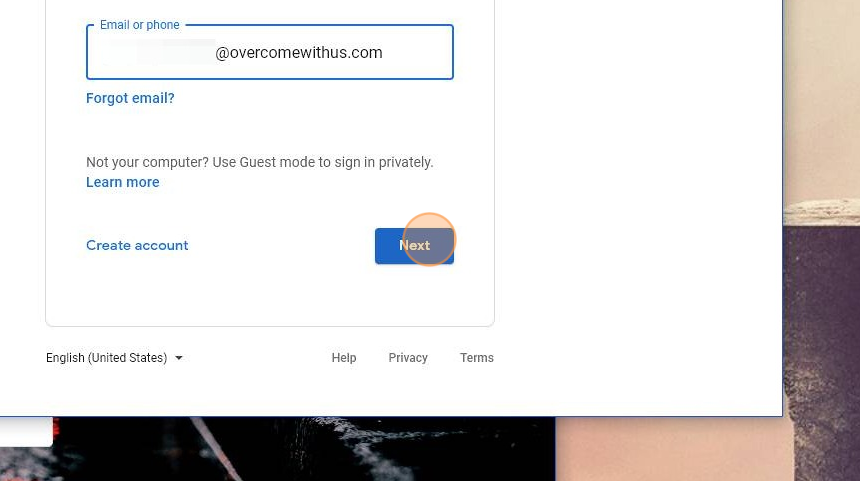
- Click "Next"
- Enter the temp password provided. Your temporary password was sent to you in your welcome email.
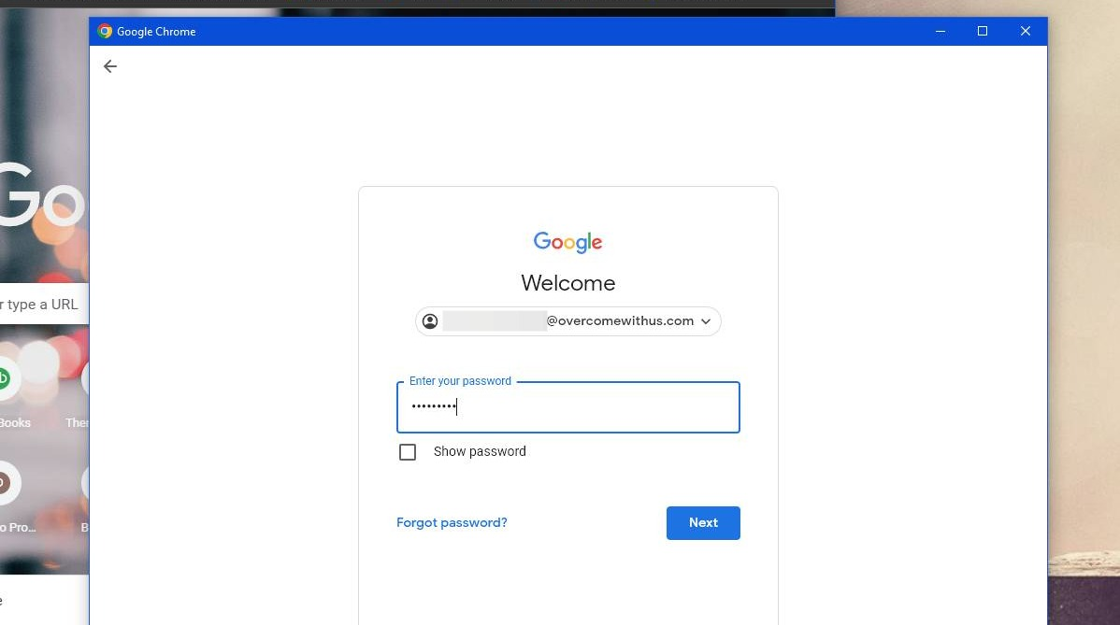
- Click "Next"
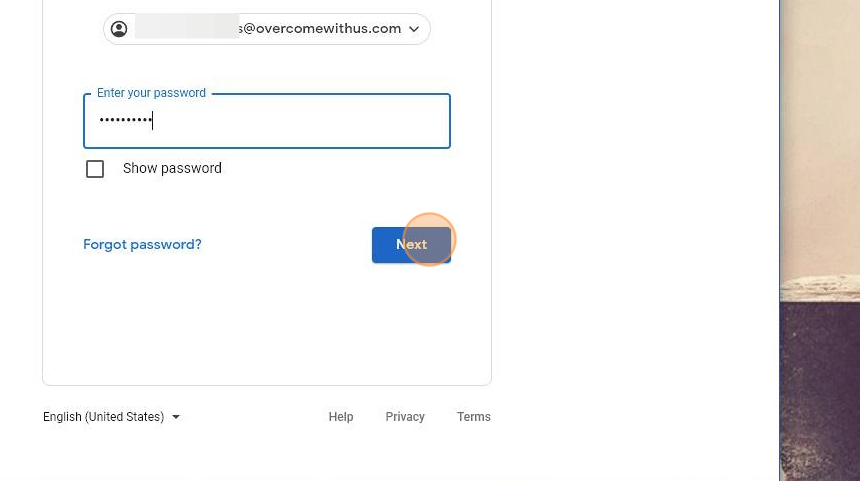
- At this point, you may be asked to create your own password.
- Click "Your use of Google services with this account is governed by your organization’s internal policies."
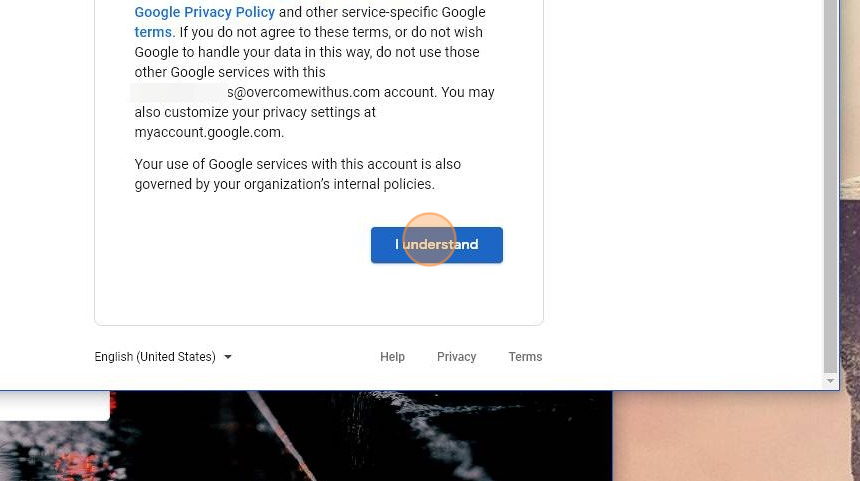
- Click "Next"
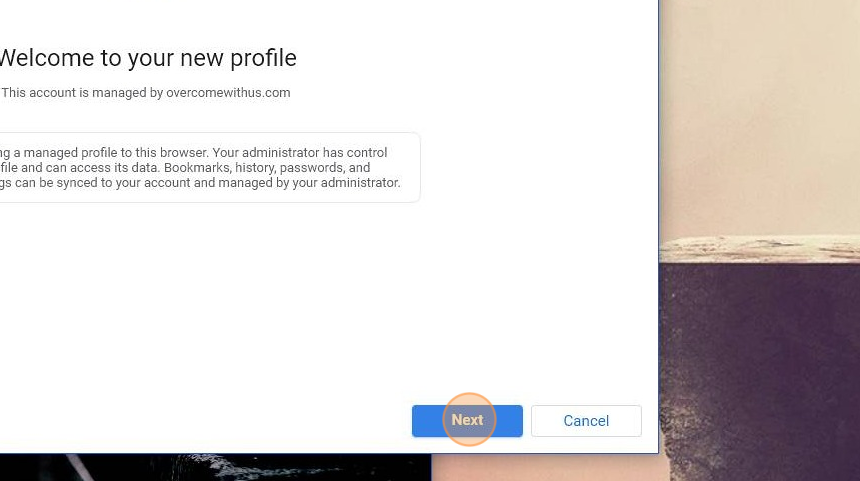
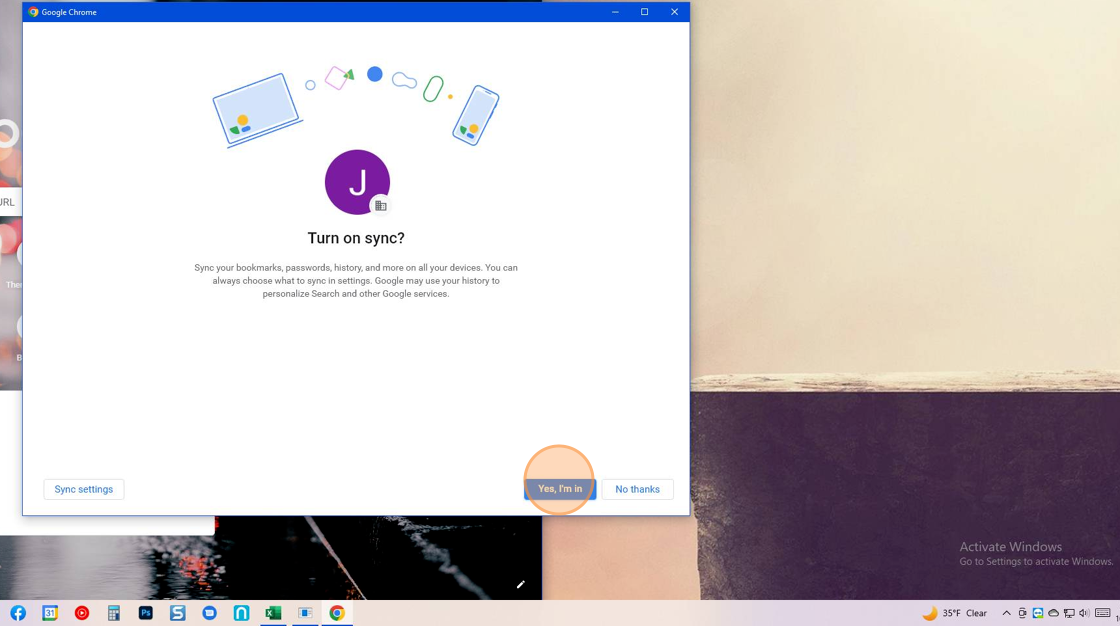
- Click "Yes, I'm in"
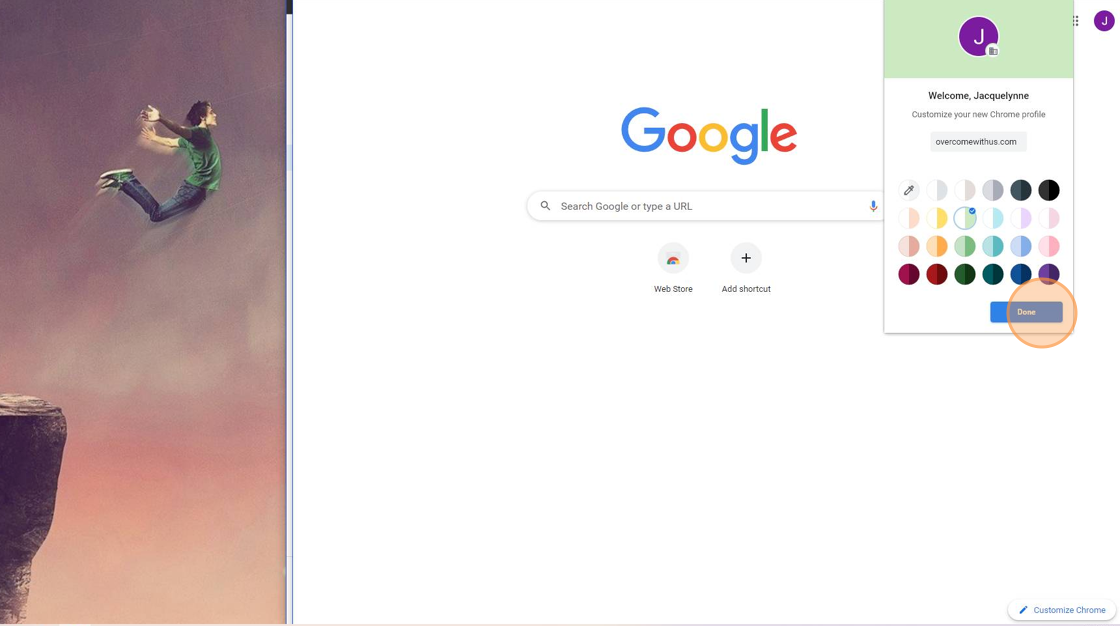
- Your new Overcomers Chrome account is created! Click "Done"
You are all done! You should see your preset bookmarks created by Overcomers. You can edit and delete as desired.

If you don’t see your bookmarks, turn " Sync " on.
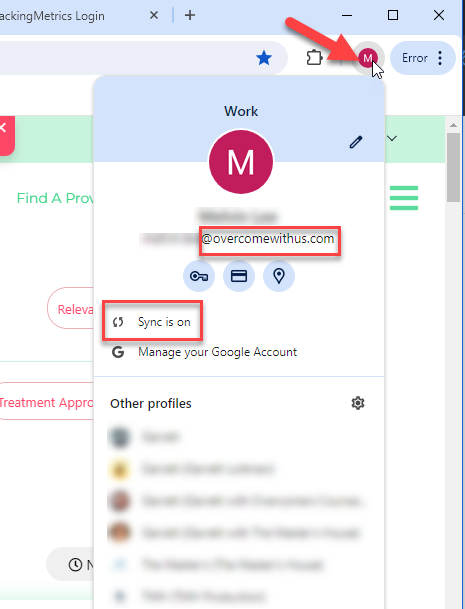
Remember, you must access any Overcomers' documents with your Overcomers' Google Account.