Memos! Create Personal or Sharable Notes
The Memos page provides you a personal notes area to give you the freedom to capture insights, reminders, and real-world nuances that don’t always fit neatly into SOPs or policies. It’s like having a margin to write in when the textbook leaves something out—perfect for documenting workarounds, payer quirks, or “future-you will thank you” moments. By keeping this knowledge in one place (and sharing it when helpful), you build clarity, consistency, and confidence—without reinventing the wheel every time. The area helps you create personal notes related to a service, service code, or payer. You can keep notes private or share them with others when needed.
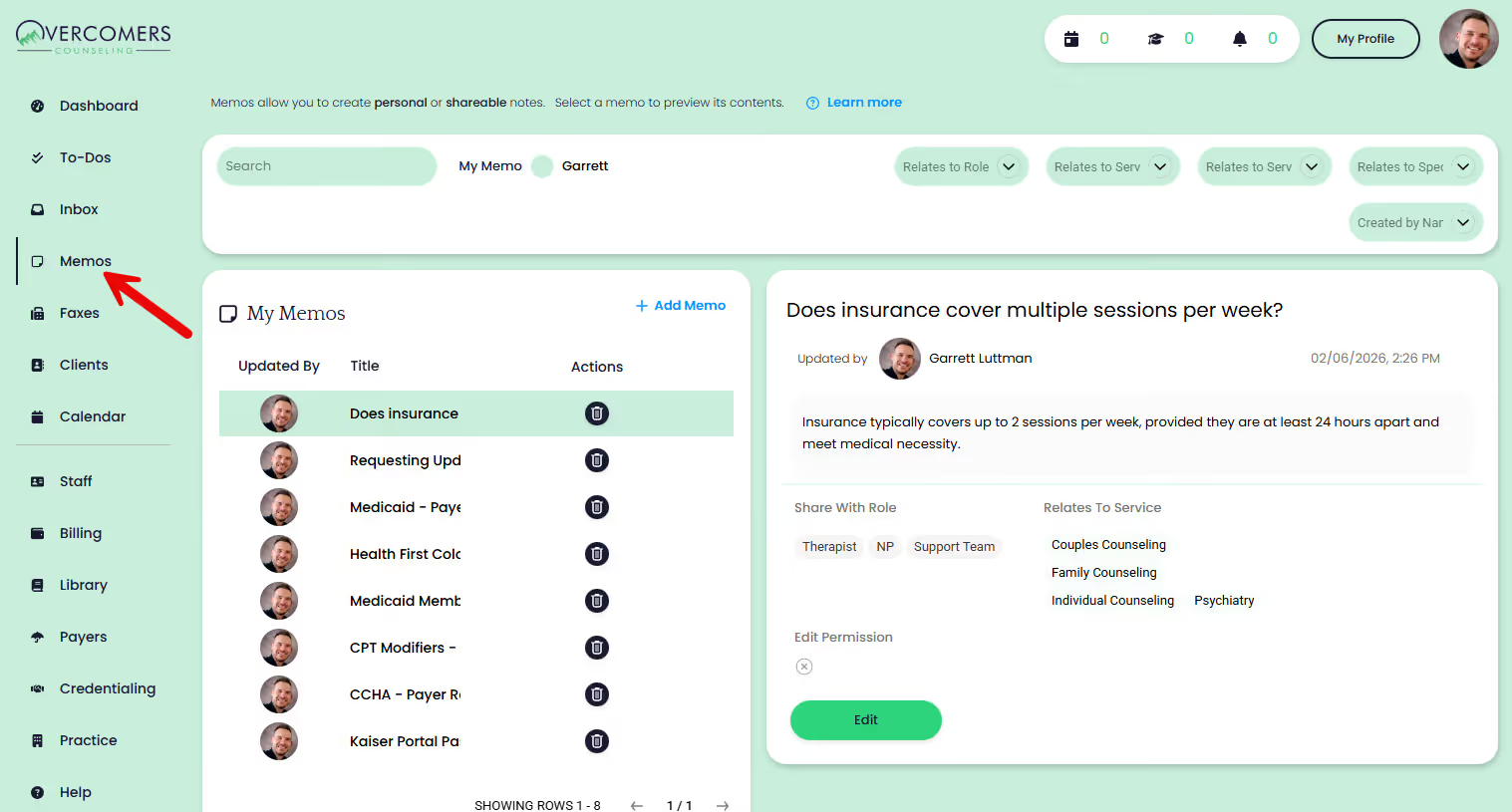
To view your notes—or notes shared with you—go to Memos.
Viewing Memos
Click a note’s title to expand it and view the note's contents.
Adding Memos
Select Add Memo to create a new entry. You can include any information you’d like, such as text, website links, images, or files.
Sharing Memos
You can share memos with any Role (e.g. Therapist, NP, Support Team) or you can remove the role(s) and keep it personal. No one will have access to your personal memo.