Lab Orders
To create a lab order to give to your client, go to TN >> Library >> select Lab Order - {yourname}.
- Download the PDF and complete it in your browser
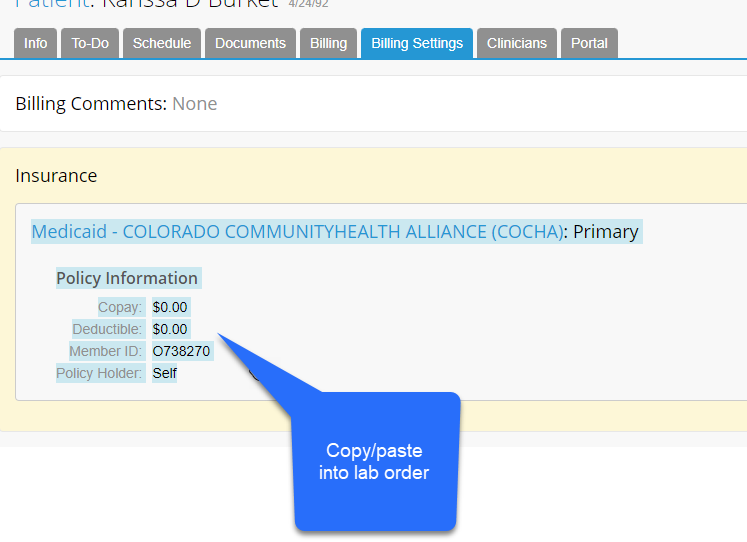
- Make sure you copy/paste the insurance info from TN
- Complete the rest of the fields as needed
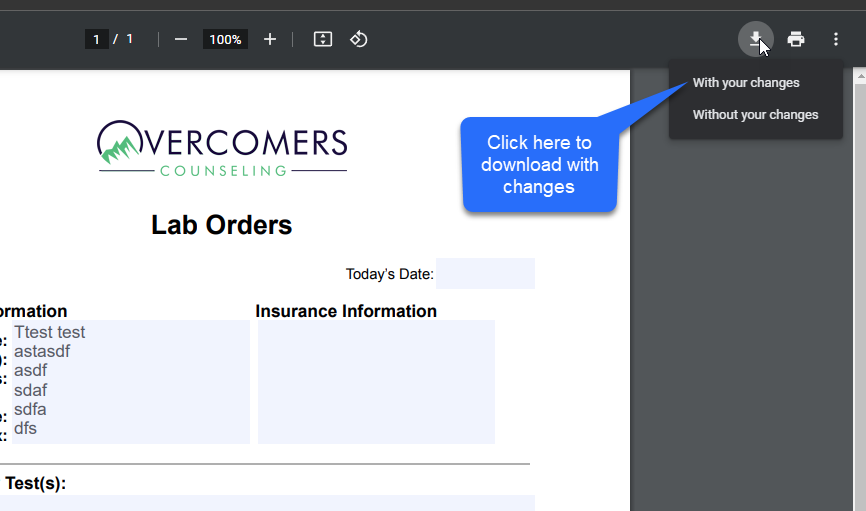
- Once completed download (from Chrome) with your changes.
- Add the completed PDF to the Patient's file in TN
- Then send it to the patient via the Client portal