EHR Notifications, To-Dos, Messages and More
Applications
We’ve launched a new Notification Bar! Now you can easily track your to-dos, training tasks, and article updates all in one glanceable spot. Simply click the icon to review, take action, or mark your notifications as read.
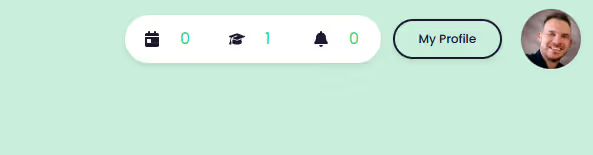
The notification bar will display your open or pending items, such as:
- Pending Notes (Medical Notes Icon) (feature is in progress)
- Pending Trainings -- articles for review (Graduate Cap Icon) (feature is active)
- Today's Appointments (Calendar Icon) (feature is in progress)
- Client Messages (Chat Icon) (feature is in progress)
- Internal Messages (Chat Icon) (feature is in progress)
- General Notification (Bell Icon) (feature is active)
- and more!
Email Notifications
To keep you in the loop, you’ll receive an email at 4:00 PM on Monday, Wednesday and Friday, IF you have unread notifications or to-dos pending.