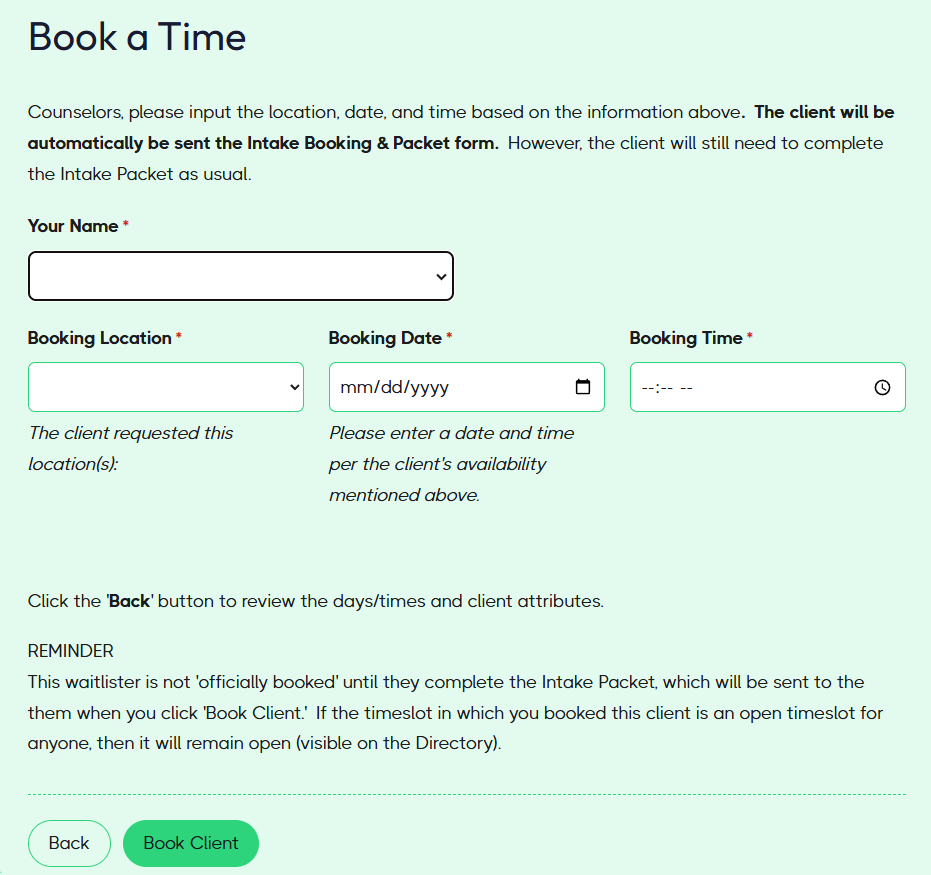
Book a Waitlist Client
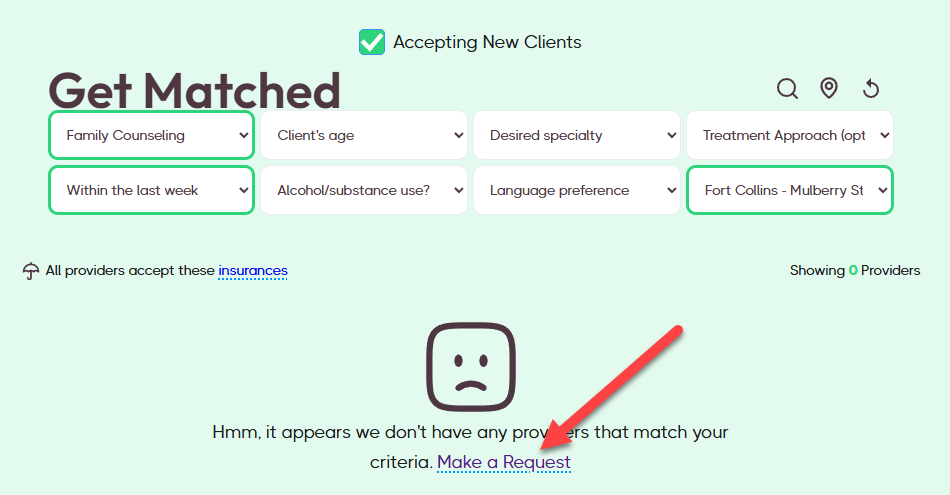
When a user cannot find an available provider in the Directory, they can submit a request to join the waitlist.
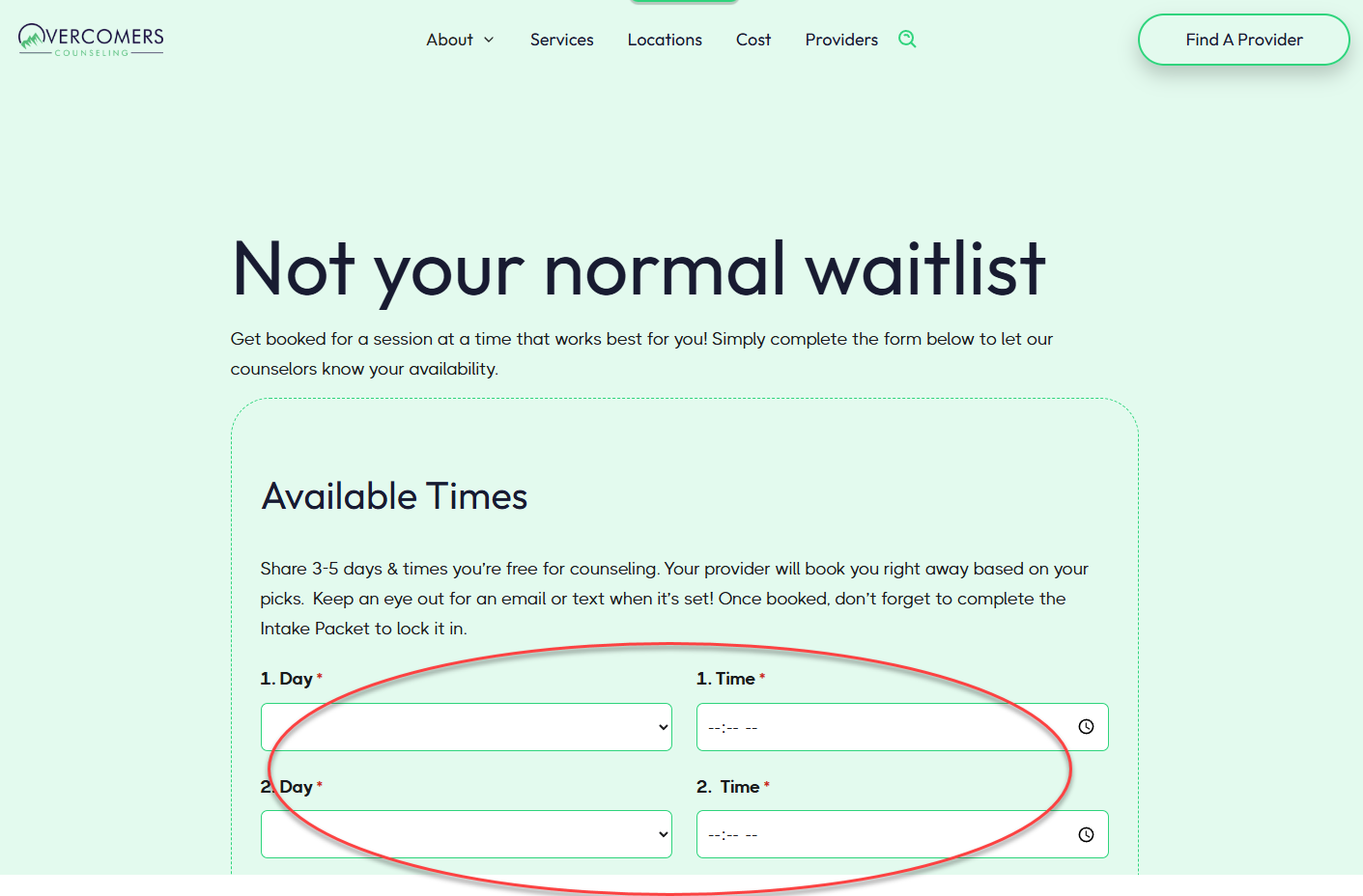
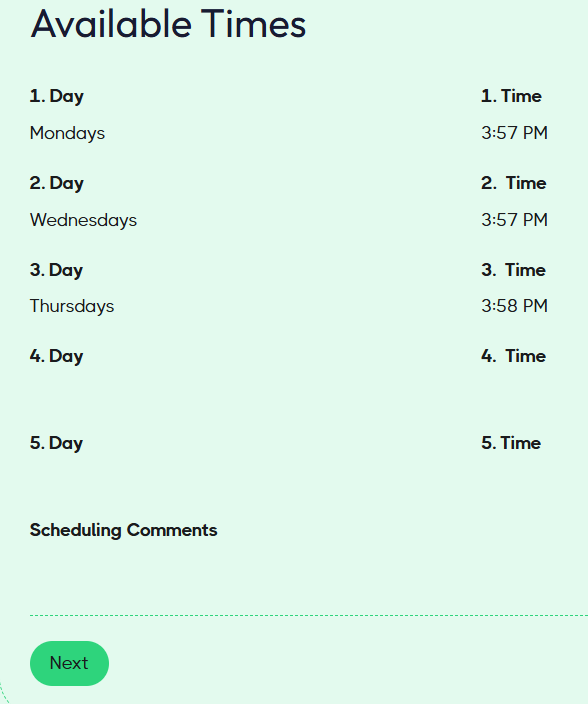
When submitting this request, they'll add timeslots indicating when they are available.
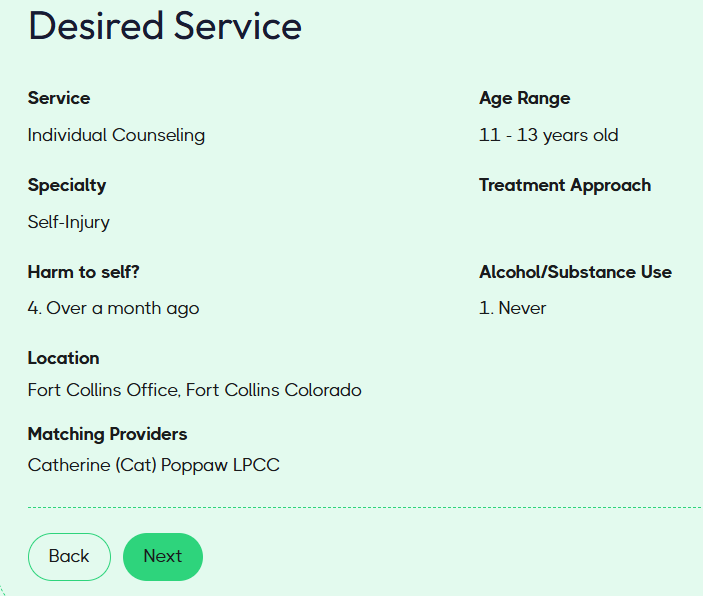
They'll also input details of the services they need. As they complete the service, the matching providers will become visible for them to select and notify.
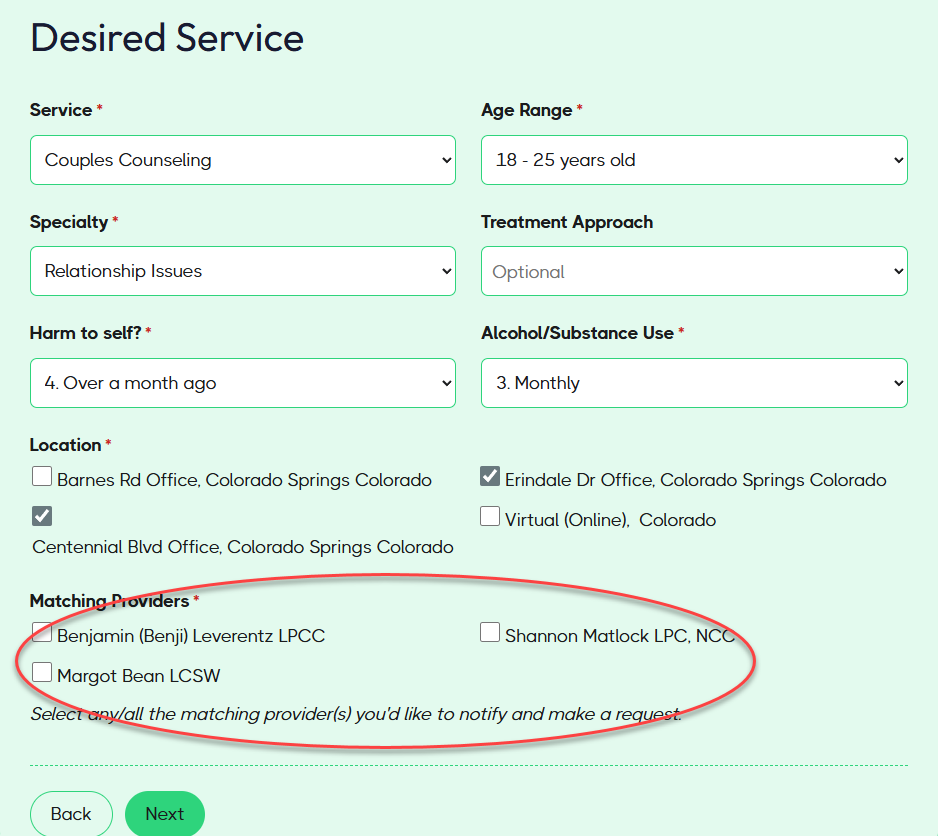
Each provider the user selects will be notified of the details about their needs. If you, as a matching provider, receive this email and determine that you can accommodate this client in your schedule, click the 'Book Client' button to schedule the appointment.
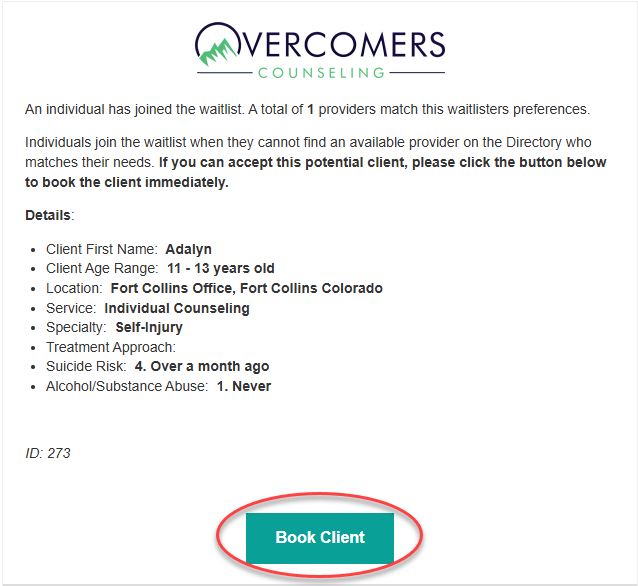
Review the user/client's available times and service request.
On the last page, you'll enter your details and the booking details to initiate the Intake Packet. This waitlister is not 'officially booked' until they complete the Intake Packet.
If the timeslot you booked for this client is already an open timeslot in the Directory, be sure to remove it, as this could result in a double booking.